Accruent Siterra 25.6 Release Notes
We delivered this upgrade to UAT environments on November 13, 2025. The automatic upgrade to production environments will occur based on your location:
-
UK: December 12 12:00 PM CT
-
US: December 13 9:00 AM CT
Release notes are subject to change until the production release.
Preview New Interface
SP-57902
We're gradually rolling out a new modern interface for Siterra, starting with the default Home page that displays when you sign in to Siterra. Early adopters can sign up to evaluate the new interface.
The new interface is deactivated by default. To enable the preview, contact Accruent Support with the subject line ‘Request technical preview of new Siterra UI in UAT’.
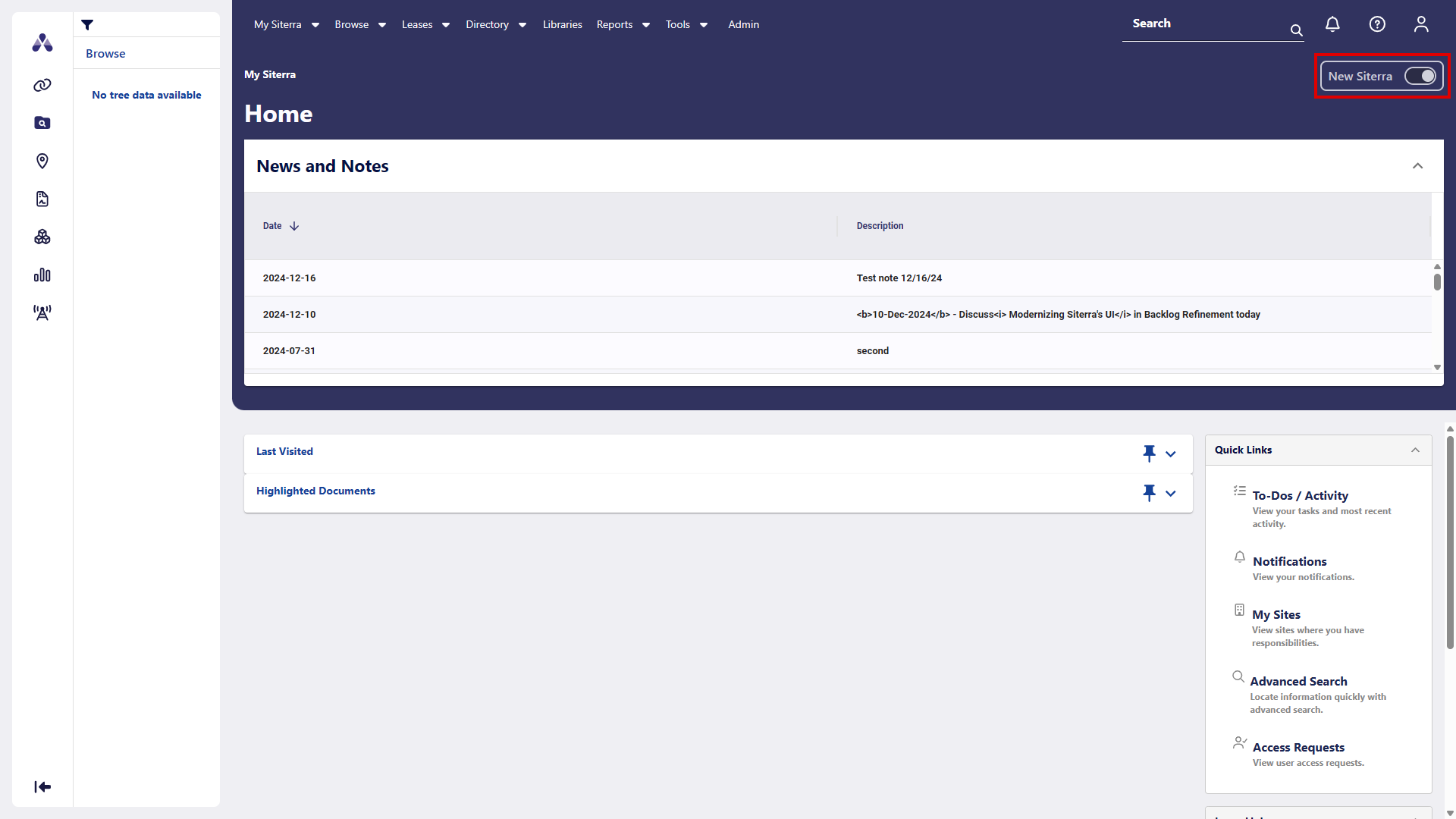
Once the preview is enabled in your system, click New Siterra in the upper-right corner to switch to the new interface. Click it again to return to Classic Siterra.
Menus and options work as before in the new interface. When you select an item where the new interface is not yet available, Siterra displays the Classic Siterra page or dialog and works as normal.
Navigation
The navigation bar in the leftmost side of the page is replaced with a modern version with new icons. Click an icon in the navigation bar to expand that item. We’ve also added a few new icons and options to the home page.
|
Old |
New |
Function |
|---|---|---|
|
– |
|
Displays the Home page. |
|
|
|
External Links |
|
|
|
Folder |
|
|
|
Site |
|
|
|
Leases |
|
|
|
Asset |
|
|
|
Project |
|
|
|
Antenna |
|
|
|
Displays in the upper-right corner |


Long character tool tip in Admin Filtering Forms
SP-57676
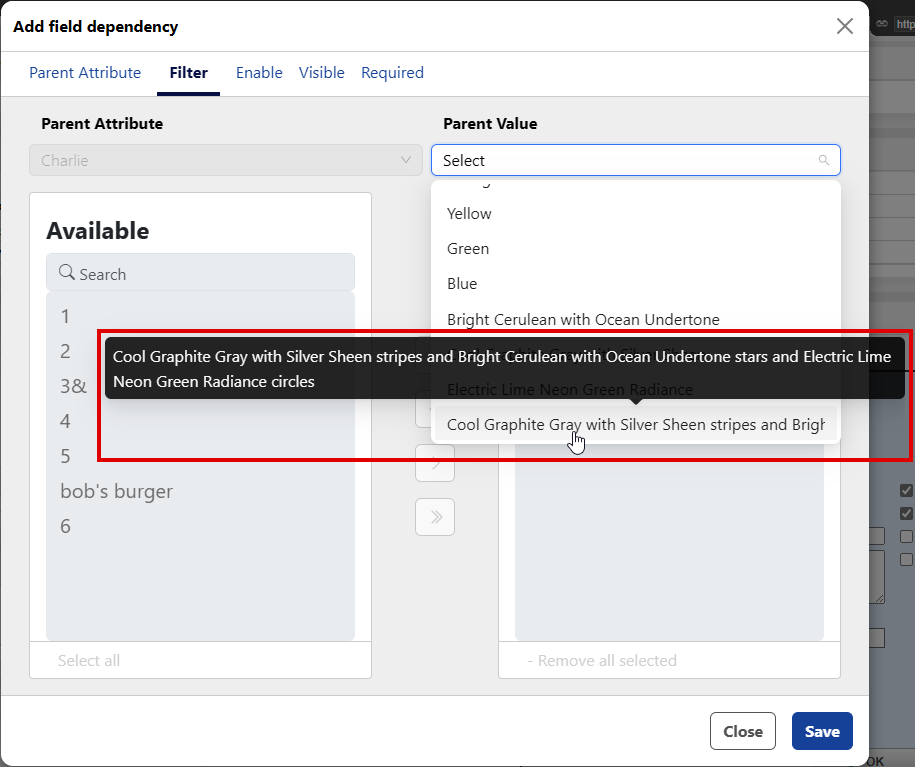
Tool tips now display with the full text, when you hover over a parent value in a list, making it easy to read and identify values without scrolling.
Improvements and issues fixed
|
Component |
Summary |
Reference # |
|---|---|---|
|
APIM |
The RejectSubtask API documentation in the Siterra Projects API is now showing the correct title Reject a Subtask and the description is updated to indicate that when the Task Rejection Workflow is enabled, dependent subtasks are reopened as configured in the associated Schedule Template. |
SP-58348 |
| Leases |
When you create a new Lease, the Currency now automatically populates from the default Currency selected in the Portfolio. |
SP-57657 |